
Groovepad Play Guide: Build Catchy Beats, Layer Loops, and Perform Live
Download Groovepad App for Free
Download NowGroovepad is designed for fast, hands-on music making: you trigger loops, combine instruments, and shape a track in minutes. This guide walks you from your first tap to confident live-style performances, with practical tips for cleaner drops, tighter timing, and more expressive mixes. For newcomers, Groovepad play for free can be the quickest way to test sounds before you build full tracks.
Getting Started: Your First 5 Minutes
Begin with a single genre pack and focus on rhythm first, because a steady foundation makes every melody feel intentional. Then add bass, and only after that introduce leads or vocal chops.
- Choose one pack and preview each pad row to hear its role (drums, bass, synth, FX).
- Start with drums and keep them running while you audition bass loops.
- Add one melodic layer, then remove it and add it again to practice clean entrances.
- Use short FX hits as accents rather than constant noise.
Tip: If your mix sounds crowded, mute two layers and rebuild the groove with fewer parts. Simple patterns often feel bigger.
Understanding the Interface Like a Musician
Think of each pad as a musician in a band. Your job is to decide who plays now, who pauses, and who returns for the chorus. Keep a mental map of these roles:
- Drums: stability and momentum
- Bass: weight and movement
- Chords or pads: mood and space
- Lead: identity and hooks
- FX: transitions and emphasis
Once you feel confident, the core workflow in Groovepad play becomes all about timing, layering, and clean transitions.
Building a Track Structure (Intro → Drop → Break → Drop)
A satisfying track usually changes over time, even if the loops stay the same. Use a simple structure and repeat it until it becomes instinctive:
- Intro (8–16 bars): drums + a light texture
- Build (8 bars): add bass, then a second drum layer
- Drop (16 bars): bring in the hook, keep FX tasteful
- Break (8 bars): pull back to drums or chords only
- Final drop (16 bars): return with one new element for freshness
Timing Tricks for Cleaner Drops
Even with loops, timing matters. Practice these habits to make transitions feel “on purpose” instead of accidental:
- Trigger changes on a musical boundary (end of a phrase), not randomly mid-bar.
- Mute before you add: remove one element, then introduce the next.
- Use FX as punctuation, especially right before a drop or right after a cutoff.
Quick Reference Table: Common Actions and When to Use Them
| Action | Best Moment | Result |
|---|---|---|
| Add bass loop | After drums feel steady | Track gains weight and movement |
| Remove melody | Before a transition | Creates space and anticipation |
| Hit an FX pad | Right before a drop | Signals change and builds energy |
| Swap drum pattern | Start of a new section | Keeps groove fresh without chaos |
Playing in a Browser and Sharing Ideas
If you prefer to work in a browser, Groovepad online play lets you sketch ideas anywhere you have headphones. During collaborative sessions, you can also play Groovepad online while sharing a screen to compare groove variations. For quick jams between meetings, Groovepad play online works well when you want instant access to genre packs.
Making It Sound Bigger Without More Layers
When a track feels small, the instinct is to add more parts, but that often makes it messy. Instead, try these upgrades:
- Contrast: keep verses simpler so the drop feels larger.
- Silence: remove everything for a beat, then slam back in.
- Call-and-response: alternate two melodic ideas rather than stacking both.
- Minimal FX: one well-timed riser can outperform five random noises.
PC Setup Tips for Better Control
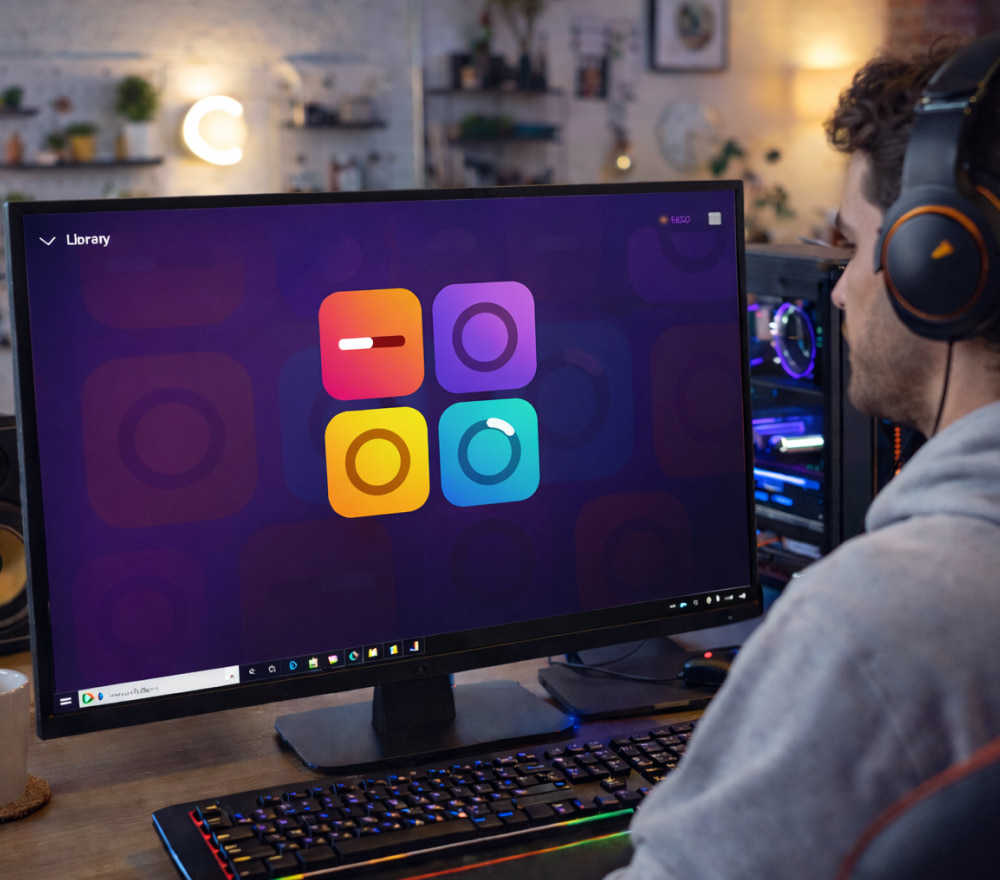
When you need a bigger screen and better audio routing, you can play Groovepad on PC with a mouse and a full-size keyboard.
- Use headphones or external speakers to catch low-end details.
- Keep system audio enhancements off if they color the sound too much.
- Close heavy background apps to reduce glitches during performance-style sessions.
Mini Practice Routine (10 Minutes)
- Minute 1–2: drums only, swap between two drum variations.
- Minute 3–4: add bass, then mute it and reintroduce it cleanly.
- Minute 5–6: add one melody layer, practice removing it for a break.
- Minute 7–8: practice a drop with one FX hit and a quick cutoff.
- Minute 9–10: perform a full intro → drop → break → drop sequence.
Troubleshooting: Common Problems and Fast Fixes
- Problem: The mix sounds chaotic. Fix: limit yourself to 3–5 active layers and rebuild.
- Problem: Drops feel weak. Fix: remove melody before the drop, then bring it back with bass.
- Problem: Everything feels repetitive. Fix: change one element per section, not all at once.
- Problem: Transitions feel random. Fix: trigger changes at the end of a musical phrase.
FAQ
How do I keep my beat interesting without changing packs?
Rotate roles: keep drums steady, swap bass patterns, and alternate two melodic loops so each section has a clear identity.
What’s the simplest “pro” arrangement?
Intro with drums, build by adding bass, drop by adding the hook, break by removing bass, then final drop by reintroducing bass plus one fresh accent.
How can I practice performance skills?
Record short sessions where you only allow yourself one action every few beats, which forces deliberate choices and cleaner timing.