Groovepad App: Turn Ideas into Modern Beats in Minutes
Download Groovepad App for Free
Download NowMusic creation doesn’t have to start with a studio, a pile of gear, or years of theory. Today, a loop-based pad workflow lets you sketch rhythm, harmony, and texture quickly, then refine the parts that matter most. For quick beat-making, the Groovepad app fits nicely into a commute session.
At its core, this kind of pad instrument encourages experimentation: tap in a drum pattern, add a bassline, drop a vocal chop, and you’ve got a structure worth saving. Many creators begin with a simple Groovepad app download to explore genre packs and effects.
What You Can Create with Pad-Based Looping
Pad music tools are built for speed and playfulness, but they can also support serious practice. You can use them to:
- Draft a beat skeleton before moving to a DAW.
- Practice timing by switching parts on the downbeat.
- Learn arrangement basics (intro, drop, breakdown, outro) by muting and reintroducing layers.
- Design transitions with risers, stutters, and filter sweeps.
Great loops feel simple at first, then reveal tiny details the more you listen your goal is to build those details one layer at a time.
Getting the Best Sound and Responsiveness
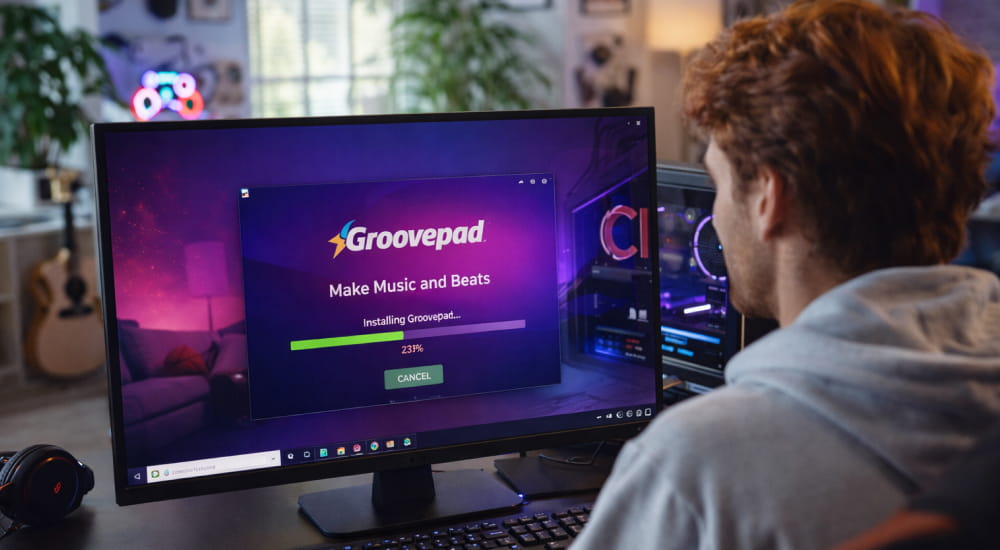
Responsiveness matters because rhythm is unforgiving: a small delay can make a groove feel sloppy. When you look for a Groovepad app download for PC, check that your emulator or desktop solution supports audio latency controls.
For cleaner playback, close background apps, use wired headphones when possible, and keep your system audio driver stable. If you notice crackles, lowering buffer settings can help, but extremely low buffers may strain older hardware.
A Simple Creative Workflow You Can Repeat
The biggest advantage of pad looping is repeatability once you have a routine, you can produce more ideas without forcing inspiration. During setup, an app Groovepad workflow usually starts by picking a style, then layering drums, bass, and vocals.
- Start with drums: choose one kick and one snare layer that lock together.
- Add low-end: test two bass options and keep the one that complements the kick.
- Introduce a hook: a short synth, vocal, or chord stab that repeats well.
- Build dynamics: mute elements for 2–4 bars, then bring them back for impact.
- Finish with transitions: add fills, sweeps, and one “surprise” moment.
Using a Bigger Screen for Comfort
Long sessions are easier when you can see patterns clearly and tap accurately. If you prefer a bigger screen, you can download Groovepad app for laptop and map pads to keyboard shortcuts. This approach can be especially helpful for learning: you can keep a reference track open, compare structure, and practice switching layers exactly on the beat.
Quick Tips for Better Loops
- Keep your first draft short 8 or 16 bars is enough to judge the core idea.
- Limit yourself to one main hook and one supporting texture to avoid clutter.
- Use contrast: if the verse is sparse, make the drop wider and brighter.
- Record multiple takes of performance-style muting, then choose the tightest version.
Common Use Cases at a Glance
| Goal | Best Approach | Result |
|---|---|---|
| Practice timing | Switch layers only on bar changes | Tighter grooves and cleaner drops |
| Draft a song idea | Create an 8-bar loop, then plan sections | A structure you can expand later |
| Sound design feel | Test effects on one layer at a time | Clearer mix and more intentional texture |
| Live-style performance | Mute/unmute parts as if DJing | Natural build-ups and engaging transitions |
Installation and Safety Notes
To avoid permission issues, always install Groovepad app with the official installer or store, then test sound output. After installation, run a quick check: play a simple beat, toggle a couple of layers, and confirm your device isn’t applying heavy “enhancement” effects that could distort the sound. If you plan to record externally, set a consistent sample rate and keep volume levels below clipping.
Mini FAQ
Do I need music theory to get started?
No start by recognizing what sounds good together, then learn one small concept at a time (like counting bars or identifying a strong downbeat).
How do I make my loops less repetitive?
Change one element every 4–8 bars: swap a hi-hat pattern, add a short fill, or automate an effect for a brief moment.
Can I turn a loop into a full track later?
Yes treat your loop as the chorus or drop, then create simpler “support” sections around it to build a complete arrangement.